cs_bloodstrike

Hostage
3
Servers Playing Now
7
Total Servers
15,591
Times Played
Jul 23, 2026
Last Played

Daily Activity

Servers Playing cs_bloodstrike 3

About cs_bloodstrike

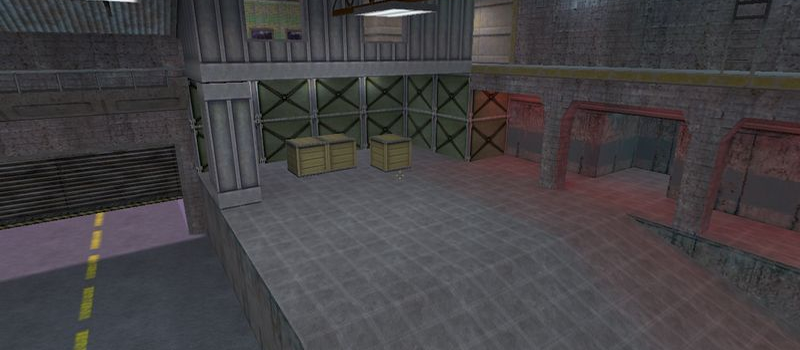
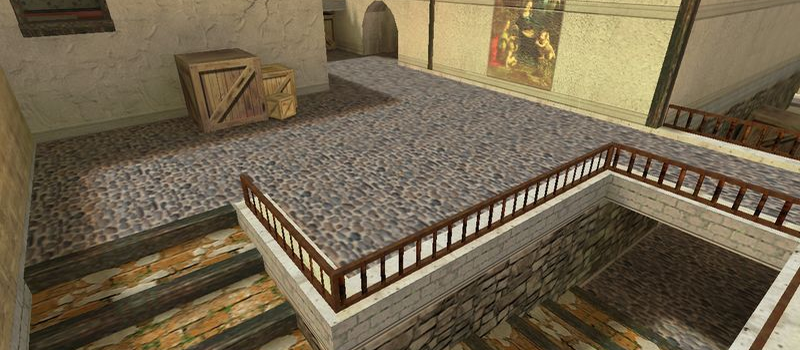
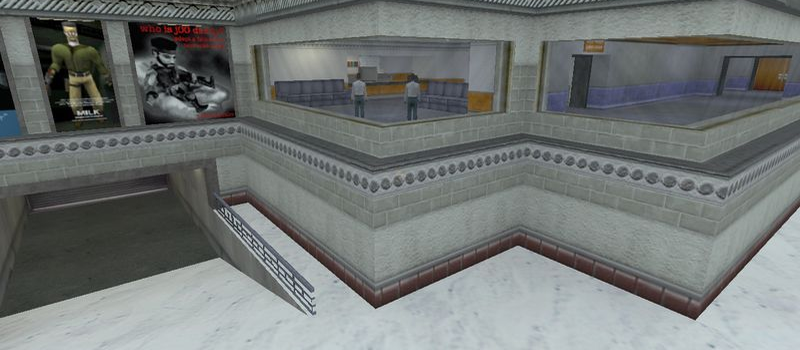
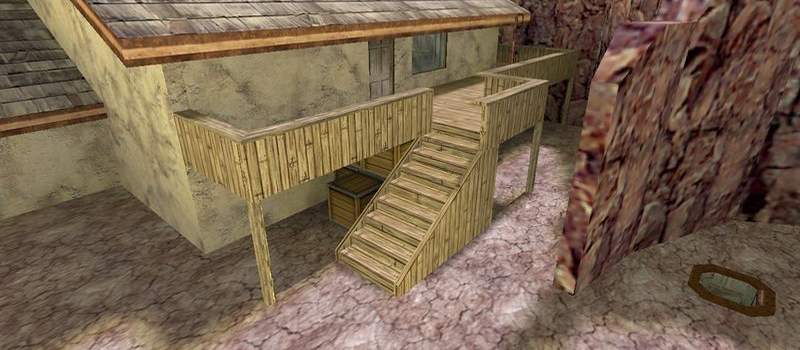
cs_bloodstrike is a Hostage map for Counter-Strike 1.6. It has been played 15,591 times across 7 servers. Currently 3 servers are running this map. Last played on July 23, 2026.

Hostage Rescue (cs_) maps feature a scenario where Counter-Terrorists must locate and rescue hostages held by the Terrorist team. Maps like cs_italy, cs_assault, and cs_office are among the most popular in this category, offering tight indoor combat and strategic gameplay.

Servers that played cs_bloodstrike recently

9 servers ran cs_bloodstrike in the last 90 days.

Server Rounds played Last seen
CN 80后的回忆 121 Jul 22, 2026
CN 恩怨情仇-网友单挑服务器 79 Jul 22, 2026
CN HDD_CS1.6欢乐群872554782 66 Jul 21, 2026
CN 易索CS养老公益永久服 50 Jul 22, 2026
CA X 25 Jul 22, 2026
RO Sinners.LaLeagane.Ro~Gungame/Teamplay/Headshot Only~ 7 Jul 22, 2026
RU PlanetSky 5 Jul 17, 2026
CN 枪打出头鸟2服 4 Jul 21, 2026
DE  UGC.GS | GunGame #2 TeamPlay (24/7) 3 Jul 21, 2026

How to Install cs_bloodstrike

  1. Download the cs_bloodstrike.bsp map file from GameBanana or another trusted source.
  2. Locate your Counter-Strike 1.6 installation folder. The default path is:
    C:\Program Files\Steam\steamapps\common\Half-Life\cstrike\maps\
  3. Copy the .bsp file into the maps folder. If the download includes .wad or .res files, place them in the cstrike folder.
  4. Restart Counter-Strike 1.6. The map will appear in the map list, or you can connect to any server running it from the server list.