cs_agency_csgo

Hostage
0
Servers Playing Now
6
Total Servers
431
Times Played
Jul 22, 2026
Last Played

Daily Activity

No servers are currently playing this map.

About cs_agency_csgo

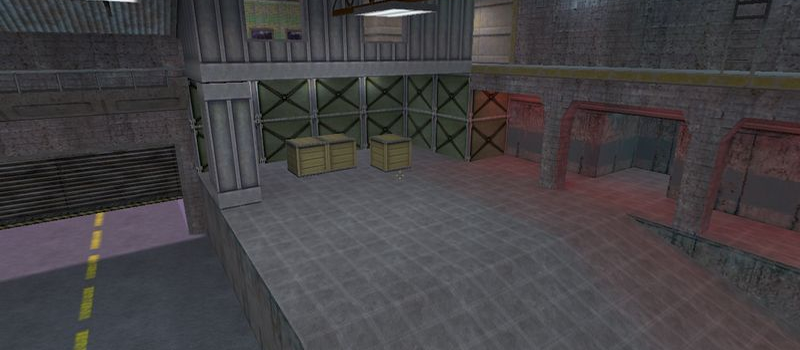
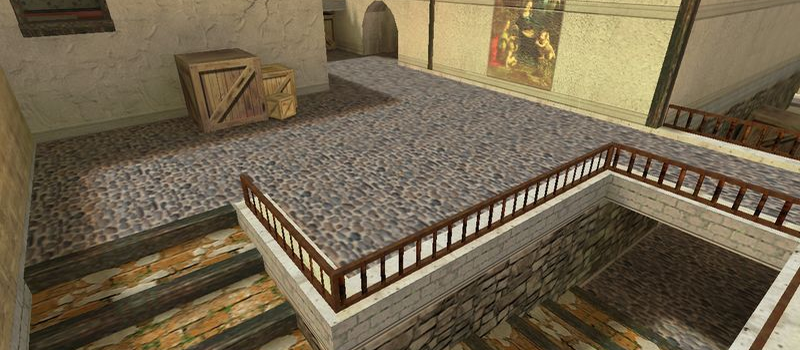
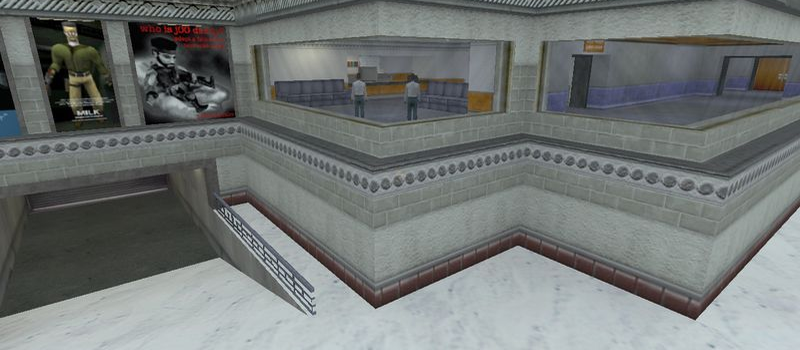
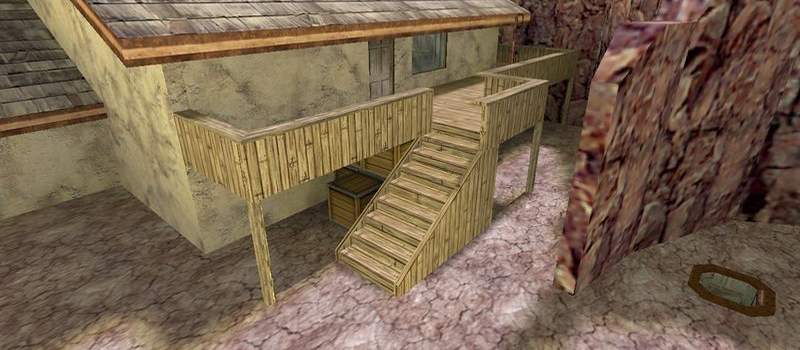
cs_agency_csgo is a Hostage map for Counter-Strike 1.6. It has been played 431 times across 6 servers. Last played on July 22, 2026.

Hostage Rescue (cs_) maps feature a scenario where Counter-Terrorists must locate and rescue hostages held by the Terrorist team. Maps like cs_italy, cs_assault, and cs_office are among the most popular in this category, offering tight indoor combat and strategic gameplay.

Servers that played cs_agency_csgo recently

8 servers ran cs_agency_csgo in the last 90 days.

Server Rounds played Last seen
UA #[CS-BEST.org.ua] UKRAINE# 12 Jul 21, 2026
UA #[CS-BEST.org.ua] UKRAINE# 11 Jul 21, 2026
US -GSU- Clan Server/FDL 9 Jul 22, 2026
US Clanxa.com Xtreme Assassins Standard 9 Jul 21, 2026
RU [QTR4] Autism 24/7 4 Jul 20, 2026
RU QTR4 HLTV 3 Jul 20, 2026

How to Install cs_agency_csgo

  1. Download the cs_agency_csgo.bsp map file from GameBanana or another trusted source.
  2. Locate your Counter-Strike 1.6 installation folder. The default path is:
    C:\Program Files\Steam\steamapps\common\Half-Life\cstrike\maps\
  3. Copy the .bsp file into the maps folder. If the download includes .wad or .res files, place them in the cstrike folder.
  4. Restart Counter-Strike 1.6. The map will appear in the map list, or you can connect to any server running it from the server list.