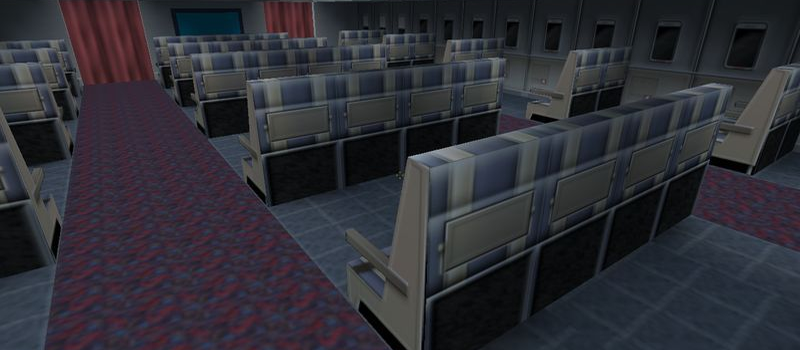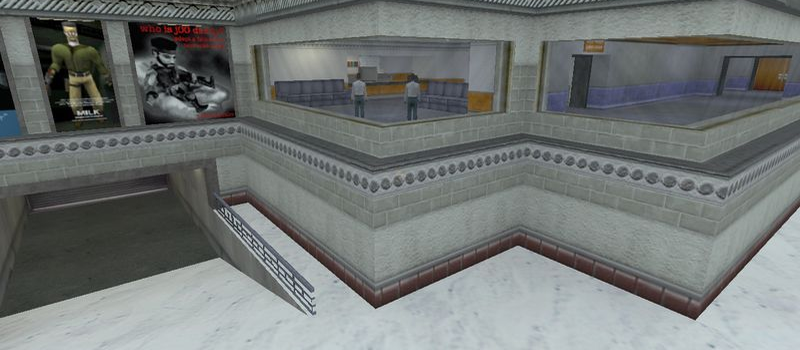
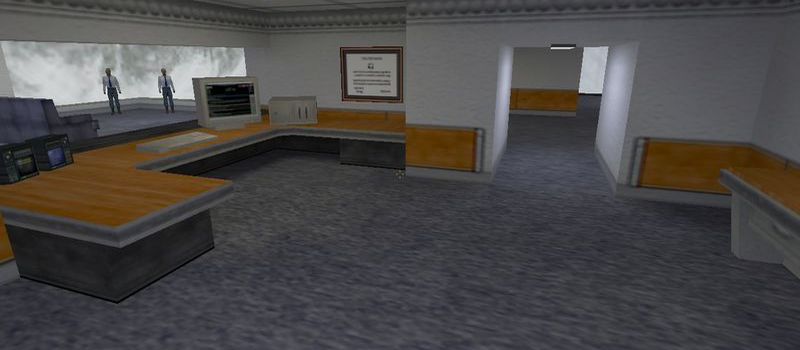
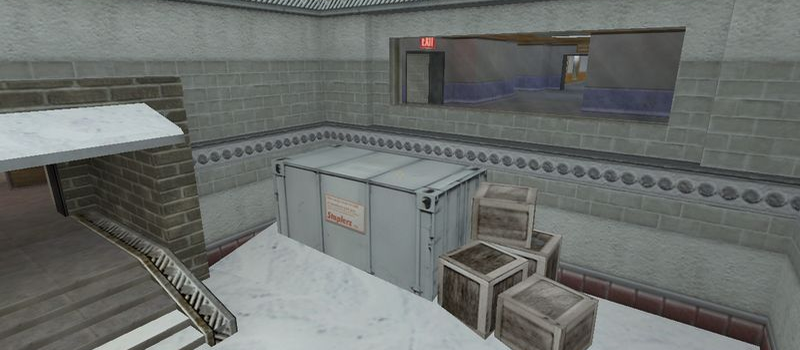
cs_office
Hostage10
Servers Playing Now
218
Total Servers
373,002
Times Played
Sep 22, 2026
Last Played
Daily Activity
Servers Playing cs_office 10
| Server | Players | |
|---|---|---|
 [Fleshas.lt] Public 24/7
|
16/32 | View |
 ««RBS Zombie DeathMatch**
|
14/17 | View |
 csko.cz | Mega pub
|
4/30 | View |
|
csko.cz | Mega pub
|
4/30 | View |
|
#DeathMatch FUN ! mDk||cs.FeNix.lt
|
1/32 | View |
 DNB STATION - Default Map - Bot
|
0/16 | View |
 NFOservers.com: New server
|
0/32 | View |
 SHKUPI TEST SERVER
|
0/14 | View |
 Server hostat de HOSTSRC.IO
|
0/32 | View |
|
Get your Counter Strike server at EliteGameServers.net
|
0/8 | View |
About cs_office
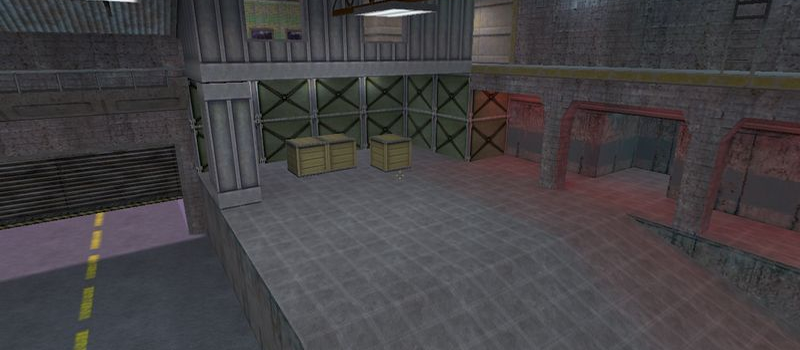
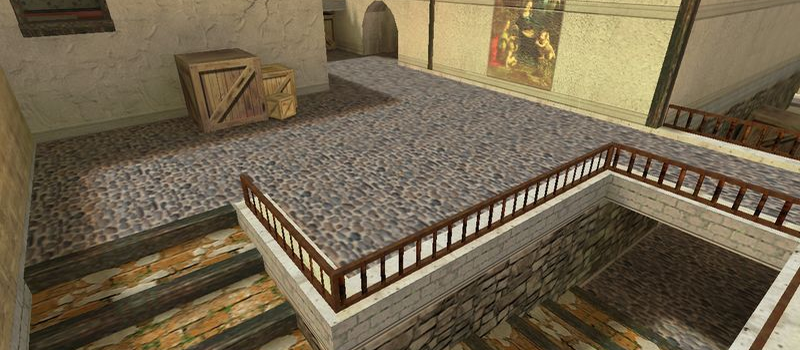
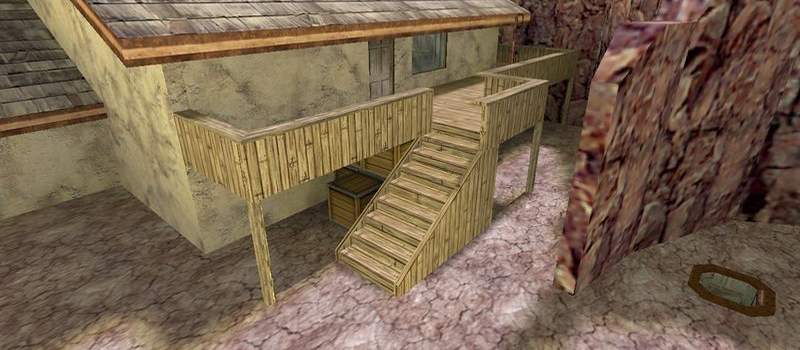
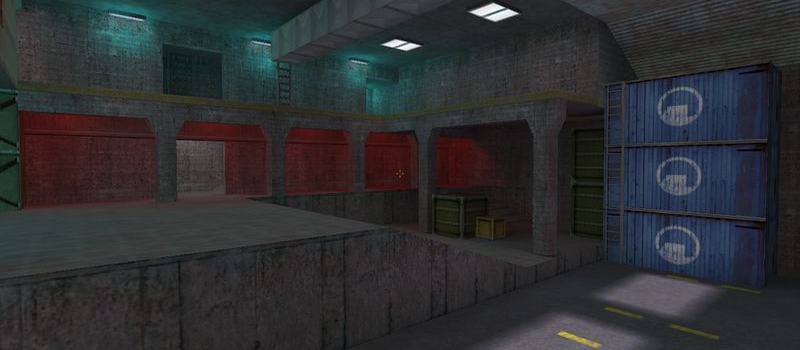
cs_office is a Hostage map for Counter-Strike 1.6. It has been played 373,002 times across 218 servers. Currently 10 servers are running this map. Last played on September 22, 2026.
Hostage Rescue (cs_) maps feature a scenario where Counter-Terrorists must locate and rescue hostages held by the Terrorist team. Maps like cs_italy, cs_assault, and cs_office are among the most popular in this category, offering tight indoor combat and strategic gameplay.
Servers that played cs_office recently
20 servers ran cs_office in the last 90 days.







How to Install cs_office
- Download the cs_office.bsp map file from GameBanana or another trusted source.
- Locate your Counter-Strike 1.6 installation folder. The default path is:
C:\Program Files\Steam\steamapps\common\Half-Life\cstrike\maps\ - Copy the .bsp file into the
mapsfolder. If the download includes .wad or .res files, place them in thecstrikefolder. - Restart Counter-Strike 1.6. The map will appear in the map list, or you can connect to any server running it from the server list.