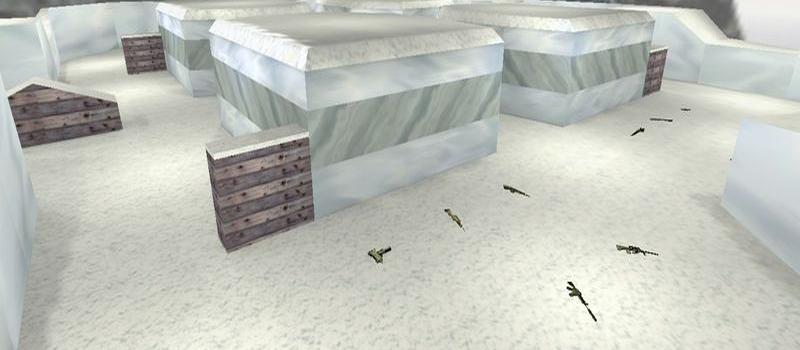
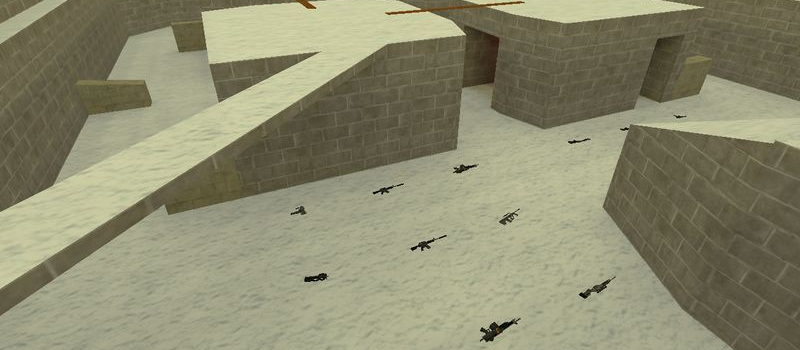
fy_lights

FunYard
1
Servers Playing Now
3
Total Servers
2,041
Times Played
Aug 19, 2026
Last Played

Daily Activity

Servers Playing fy_lights 1

Server Players
Cs-Totalz.Tk-GunGame 2/21 View

About fy_lights

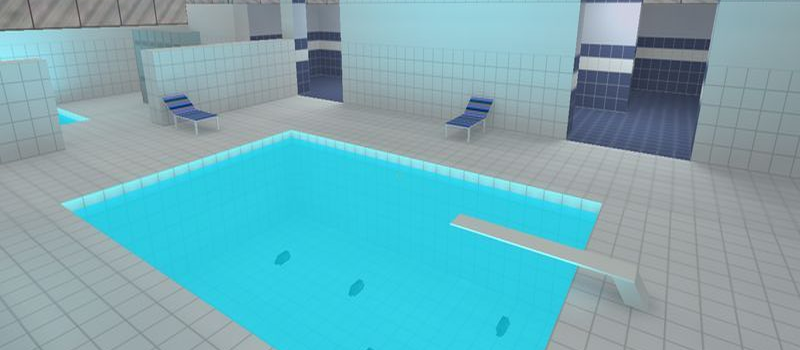
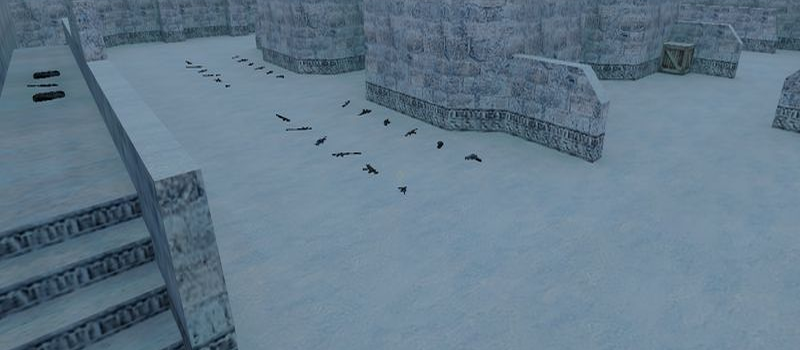
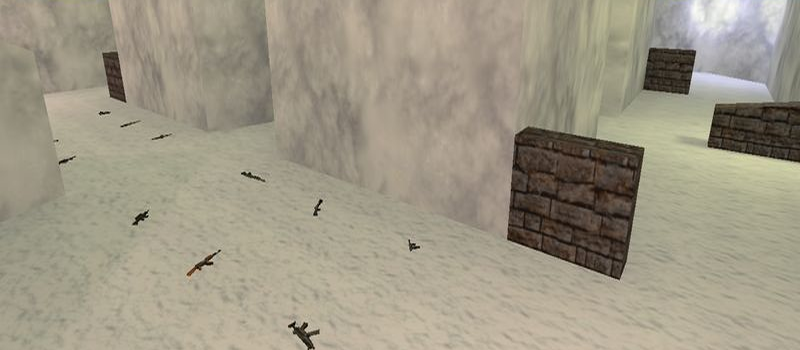
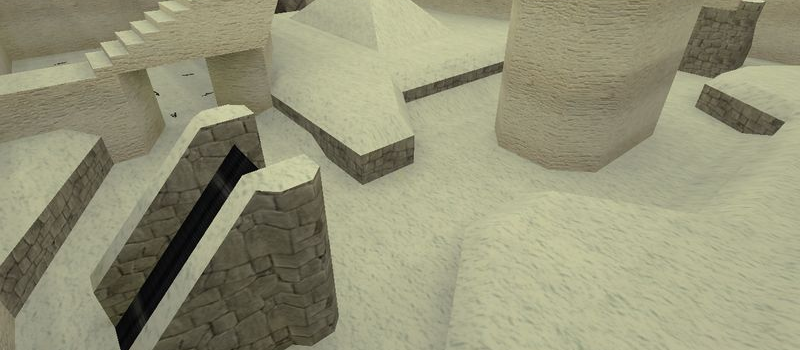
fy_lights is a FunYard map for Counter-Strike 1.6. It has been played 2,041 times across 3 servers. Currently 1 server is running this map. Last played on August 19, 2026.

FunYard (fy_) maps are small, arena-style maps designed for fast-paced combat. Players spawn close together with immediate access to weapons, making these maps perfect for quick rounds and aim practice. fy_iceworld and fy_pool_day are community favorites.

Servers that played fy_lights recently

6 servers ran fy_lights in the last 90 days.

Server Rounds played Last seen
LT Saulenas.ax.lt [PUBLIC] 165 Aug 18, 2026
XX Cs-Totalz.Tk-GunGame 23 Aug 18, 2026
HU [dHb] GunGame 11 Aug 16, 2026
US MRO#1 MARACAIBO - ZULIA 24/7 9 Aug 17, 2026
HU Magyar GunGame Server | cskozosseg.hu @ synhosting.eu 4 Jul 30, 2026
BR Bad Boys e Bad Girls | GunGame | @BRXGames 1 Aug 14, 2026

How to Install fy_lights

  1. Download the fy_lights.bsp map file from GameBanana or another trusted source.
  2. Locate your Counter-Strike 1.6 installation folder. The default path is:
    C:\Program Files\Steam\steamapps\common\Half-Life\cstrike\maps\
  3. Copy the .bsp file into the maps folder. If the download includes .wad or .res files, place them in the cstrike folder.
  4. Restart Counter-Strike 1.6. The map will appear in the map list, or you can connect to any server running it from the server list.