gg_mutko_mojet_v_english
GunGame0
Servers Playing Now
2
Total Servers
1,212
Times Played
Oct 11, 2026
Last Played
Daily Activity
No servers are currently playing this map.
About gg_mutko_mojet_v_english
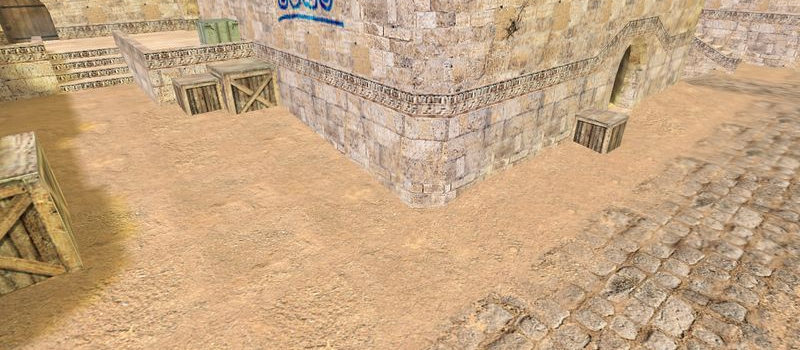
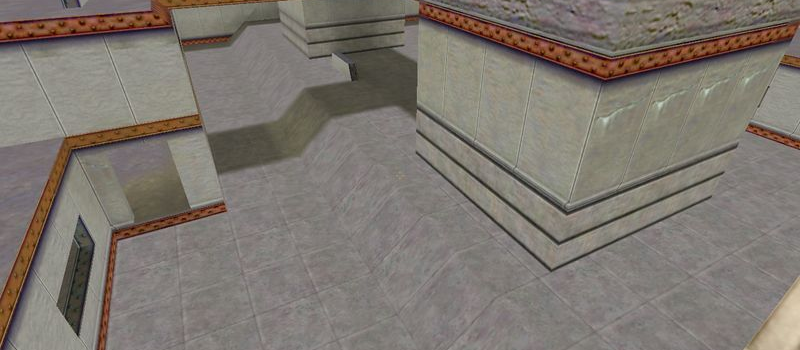
gg_mutko_mojet_v_english is a GunGame map for Counter-Strike 1.6. It has been played 1,212 times across 2 servers. Last played on October 11, 2026.
GunGame (gg_) maps are designed for the GunGame modification where players progress through a series of weapons with each kill. The first player to get a kill with every weapon wins. Maps are typically small arenas optimized for constant combat.
Servers that played gg_mutko_mojet_v_english recently
3 servers ran gg_mutko_mojet_v_english in the last 90 days.
| Server | Rounds played | Last seen |
|---|---|---|
 GUNGAME TEAMPLAY 2.0 | НОВАЯ ЭПОХА
|
67 | Oct 9, 2026 |
 CS1.BG | GUNGAME MELEE
|
63 | Oct 10, 2026 |
|
АЛКОГОЛИКИ | GUNGAME #MEAT74.COM
|
30 | Oct 6, 2026 |
How to Install gg_mutko_mojet_v_english
- Download the gg_mutko_mojet_v_english.bsp map file from GameBanana or another trusted source.
- Locate your Counter-Strike 1.6 installation folder. The default path is:
C:\Program Files\Steam\steamapps\common\Half-Life\cstrike\maps\ - Copy the .bsp file into the
mapsfolder. If the download includes .wad or .res files, place them in thecstrikefolder. - Restart Counter-Strike 1.6. The map will appear in the map list, or you can connect to any server running it from the server list.