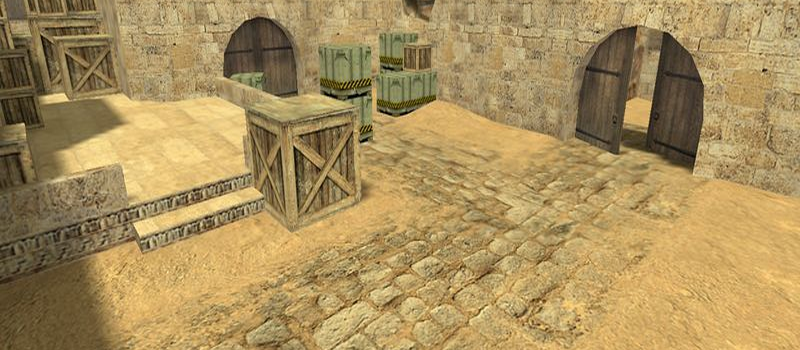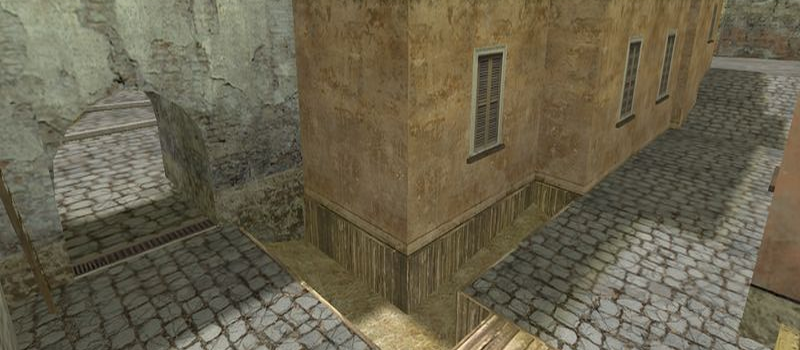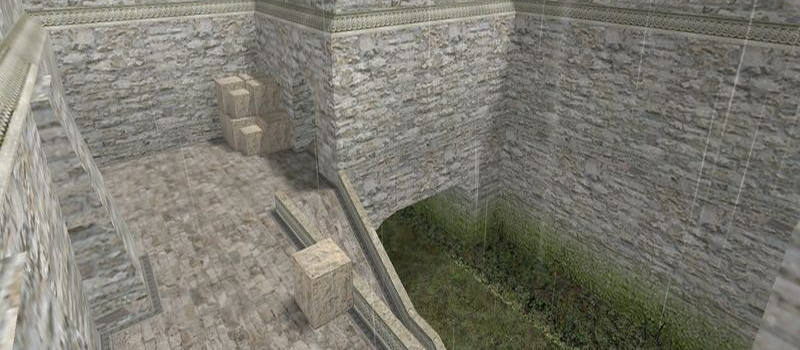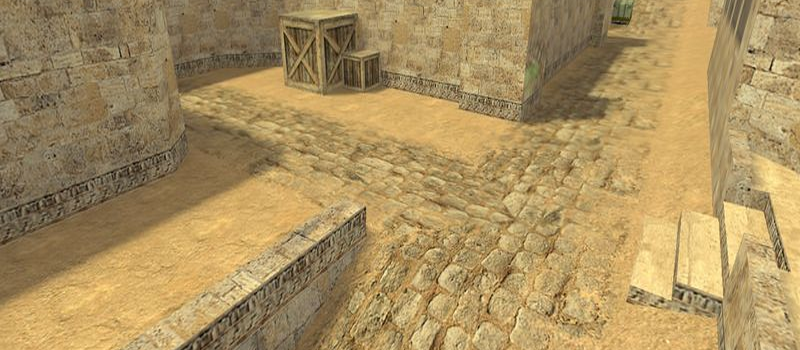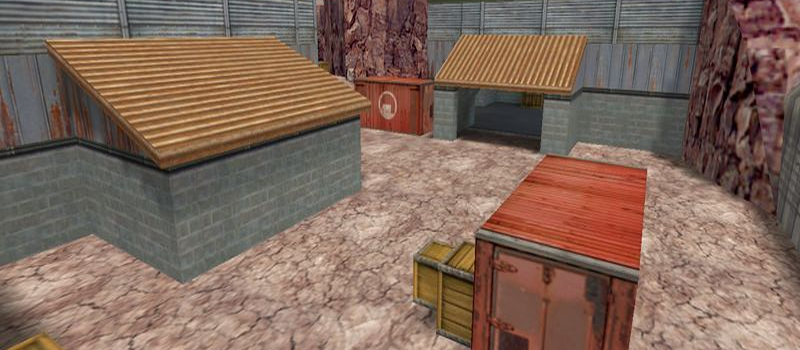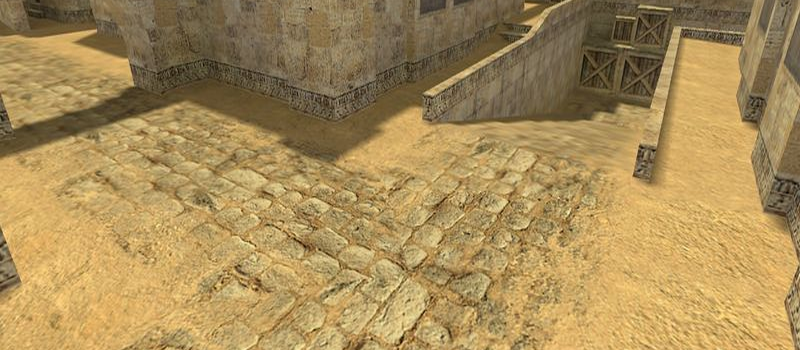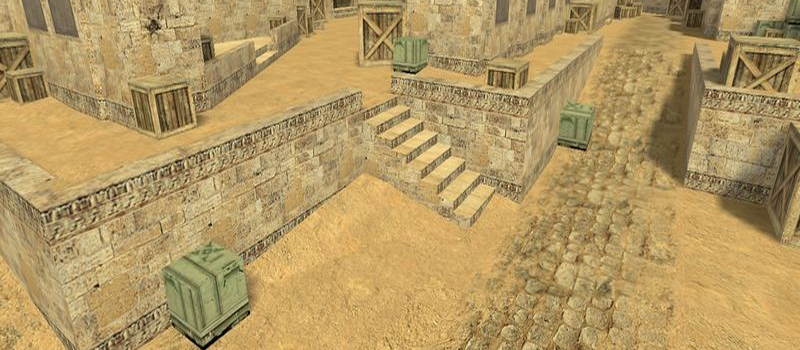
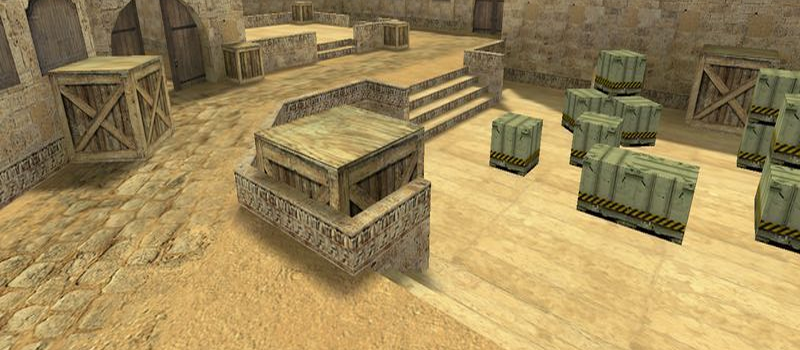
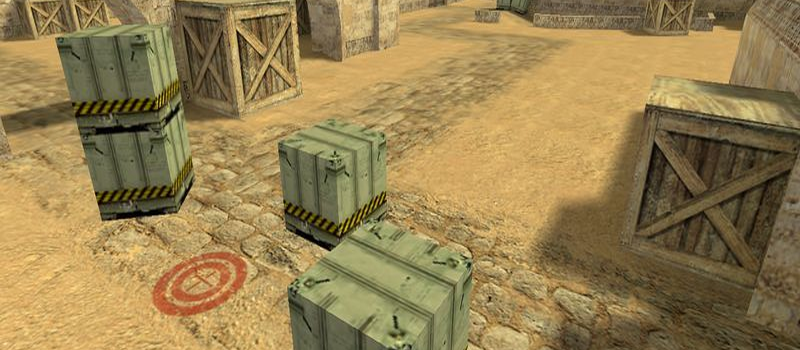
de_dust4ever
Bomb Defuse6
Servers Playing Now
119
Total Servers
102,738
Times Played
Aug 19, 2026
Last Played
Daily Activity
Servers Playing de_dust4ever 6
| Server | Players | |
|---|---|---|
█ СЛОВО ПАЦАНА ПУШКИ+ЛАЗЕРЫ ツ █
|
28/32 | View |
CS1.BG | MEGA WARCRAFT3 RESPAWN |100LVL|23RACES|SAVEXP|
|
10/32 | View |
csko.cz | DM FFA
|
6/23 | View |
csko.cz | DM FFA
|
6/23 | View |
zonaZerO | Real Call Of Duty | www.clanzonaZerO.com
|
2/32 | View |
« GILZE.LT » CS:GO « Monster Energy »
|
0/32 | View |
About de_dust4ever
de_dust4ever is a Bomb Defuse map for Counter-Strike 1.6. It has been played 102,738 times across 119 servers. Currently 6 servers are running this map. Last played on August 19, 2026.
Bomb Defuse (de_) maps are the most iconic Counter-Strike 1.6 game mode. The Terrorist team must plant the C4 explosive at one of the designated bomb sites (usually A or B), while the Counter-Terrorist team works to prevent the detonation or defuse the bomb. Classic maps like de_dust2, de_inferno, and de_nuke have defined competitive Counter-Strike for over two decades.
Servers that played de_dust4ever recently
20 servers ran de_dust4ever in the last 90 days.
| Server | Rounds played | Last seen |
|---|---|---|
|
|
367 | Aug 18, 2026 |
|
|
360 | Aug 18, 2026 |
|
|
246 | Aug 18, 2026 |
|
|
209 | Aug 18, 2026 |
|
|
196 | Aug 18, 2026 |
|
|
159 | Aug 18, 2026 |
|
|
154 | Aug 18, 2026 |
|
|
153 | Aug 18, 2026 |
|
|
152 | Aug 18, 2026 |
|
|
131 | Aug 18, 2026 |
|
|
130 | Aug 18, 2026 |
|
|
115 | Aug 18, 2026 |
|
|
113 | Aug 18, 2026 |
|
|
100 | Aug 18, 2026 |
|
|
88 | Aug 18, 2026 |
|
|
88 | Aug 18, 2026 |
|
|
80 | Aug 18, 2026 |
|
|
77 | Aug 18, 2026 |
|
|
73 | Aug 18, 2026 |
|
|
73 | Aug 18, 2026 |
How to Install de_dust4ever
- Download the de_dust4ever.bsp map file from GameBanana or another trusted source.
- Locate your Counter-Strike 1.6 installation folder. The default path is:
C:\Program Files\Steam\steamapps\common\Half-Life\cstrike\maps\ - Copy the .bsp file into the
mapsfolder. If the download includes .wad or .res files, place them in thecstrikefolder. - Restart Counter-Strike 1.6. The map will appear in the map list, or you can connect to any server running it from the server list.