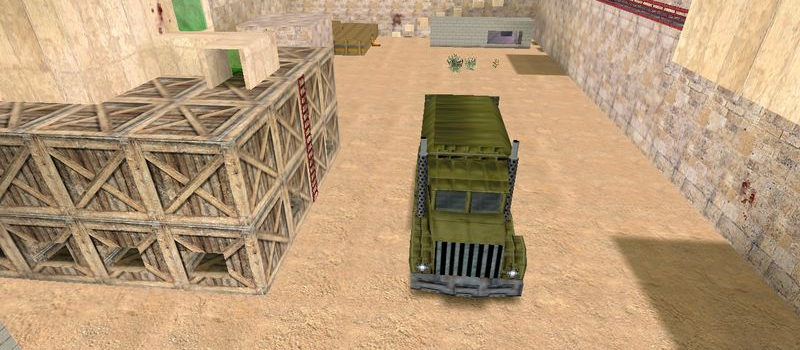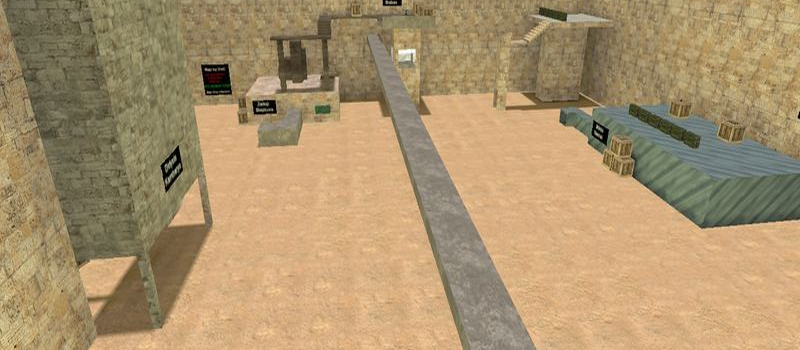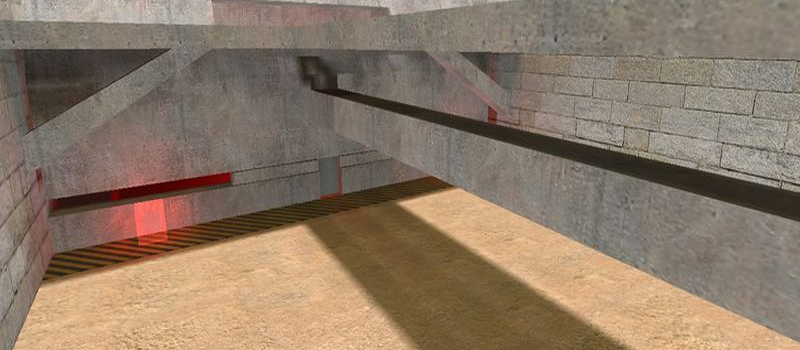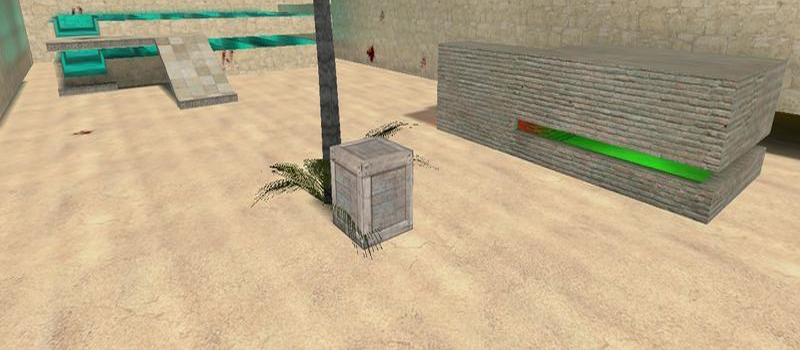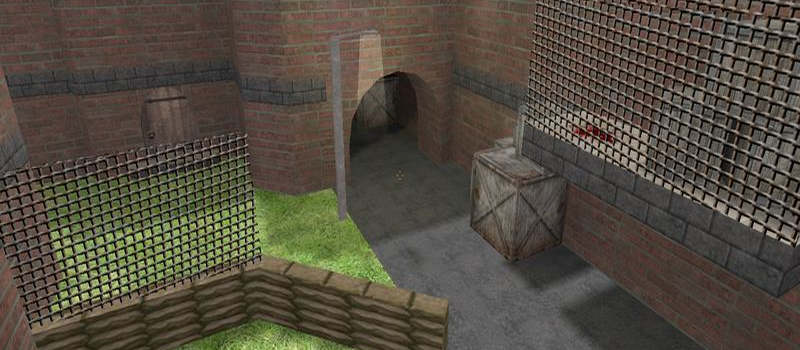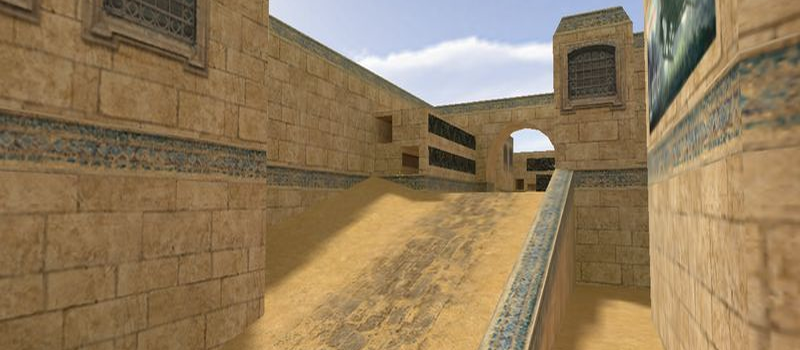
zm_ls_middlenorway
Zombie0
Servers Playing Now
1
Total Servers
436
Times Played
Oct 2, 2026
Last Played
Daily Activity
No servers are currently playing this map.
About zm_ls_middlenorway
zm_ls_middlenorway is a Zombie map for Counter-Strike 1.6. It has been played 436 times across 1 servers. Last played on October 2, 2026.
Zombie Mod (zm_) maps are designed for the popular Zombie Plague modification. One team plays as zombies trying to infect humans, while humans must survive using weapons and barricades. These maps feature strategic defensive positions and escape routes.
Servers that played zm_ls_middlenorway recently
1 server ran zm_ls_middlenorway in the last 90 days.
| Server | Rounds played | Last seen |
|---|---|---|
 Epstein server
|
59 | Oct 2, 2026 |
How to Install zm_ls_middlenorway
- Download the zm_ls_middlenorway.bsp map file from GameBanana or another trusted source.
- Locate your Counter-Strike 1.6 installation folder. The default path is:
C:\Program Files\Steam\steamapps\common\Half-Life\cstrike\maps\ - Copy the .bsp file into the
mapsfolder. If the download includes .wad or .res files, place them in thecstrikefolder. - Restart Counter-Strike 1.6. The map will appear in the map list, or you can connect to any server running it from the server list.