France NGNW.PL [ONLY DD2][CLASSIC][SVIP 23-8][WSKRZESZANIE][MONETY][STEAM VIP][LOSOWANIE SVIP][SKINY] 20/32
Romania ZE.LeagueCS.Ro # Xtreme Zombie Escape (+18) 13/32
Prodvigat server

gg_gyxoBka

GunGame
1
Servers Playing Now
4
Total Servers
4,109
Times Played
Sep 28, 2026
Last Played

Daily Activity

Servers Playing gg_gyxoBka 1

Server Players
ТОЧКА GG 1/20 View

About gg_gyxoBka

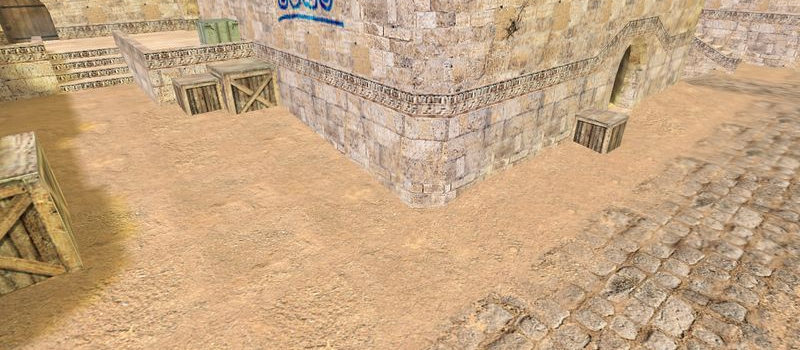
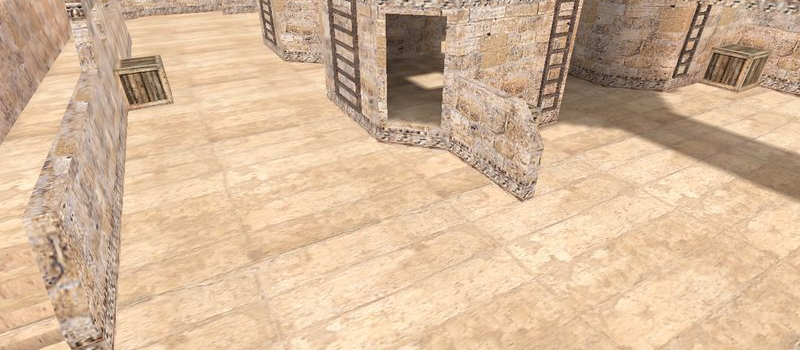
gg_gyxoBka is a GunGame map for Counter-Strike 1.6. It has been played 4,109 times across 4 servers. Currently 1 server is running this map. Last played on September 28, 2026.

GunGame (gg_) maps are designed for the GunGame modification where players progress through a series of weapons with each kill. The first player to get a kill with every weapon wins. Maps are typically small arenas optimized for constant combat.

Servers that played gg_gyxoBka recently

4 servers ran gg_gyxoBka in the last 90 days.

Server Rounds played Last seen
RU ТОЧКА GG 323 Sep 27, 2026
RO # LastCS.RO GunGame~AntiCheat~2xJump~SpawnProtect~1000FPS 178 Sep 27, 2026
RU FUN GunGame 26 Sep 27, 2026
RU FUN GunGame 2.0 20 Sep 26, 2026

How to Install gg_gyxoBka

  1. Download the gg_gyxoBka.bsp map file from GameBanana or another trusted source.
  2. Locate your Counter-Strike 1.6 installation folder. The default path is:
    C:\Program Files\Steam\steamapps\common\Half-Life\cstrike\maps\
  3. Copy the .bsp file into the maps folder. If the download includes .wad or .res files, place them in the cstrike folder.
  4. Restart Counter-Strike 1.6. The map will appear in the map list, or you can connect to any server running it from the server list.