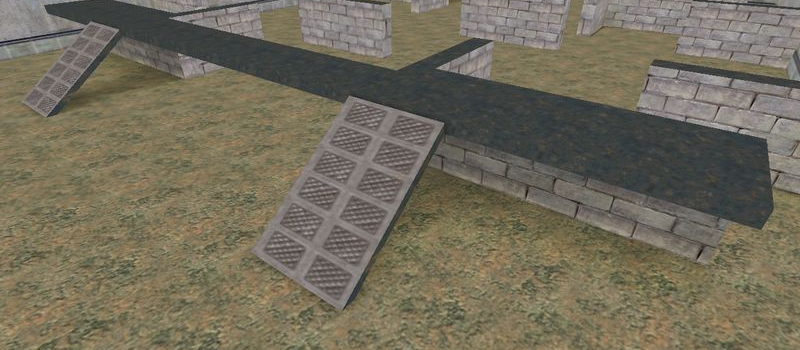
aim_rats_storage
Aim1
Servers Playing Now
1
Total Servers
1,317
Times Played
Oct 6, 2026
Last Played
Daily Activity
Servers Playing aim_rats_storage 1
| Server | Players | |
|---|---|---|
 #01 FrutaCS [Only Rats + SKINS]
|
0/22 | View |
About aim_rats_storage
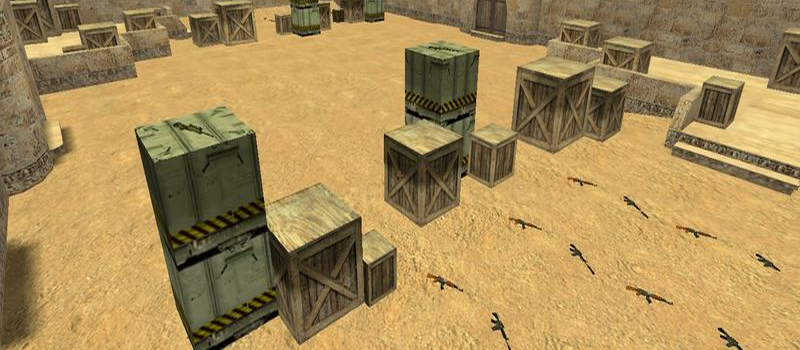
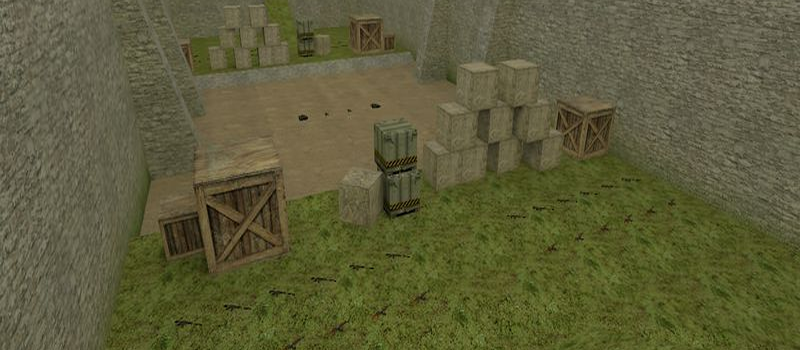
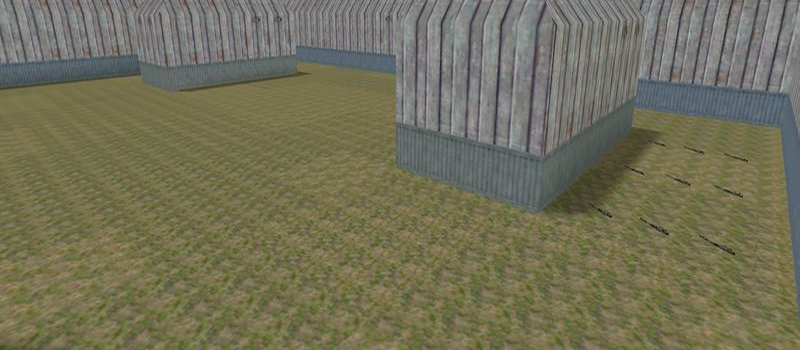
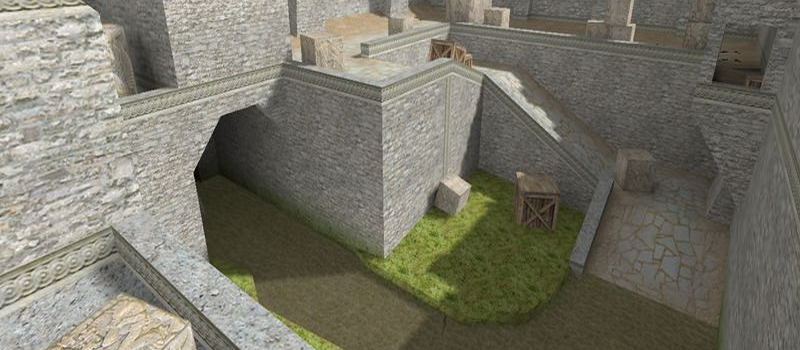
aim_rats_storage is a Aim map for Counter-Strike 1.6. It has been played 1,317 times across 1 servers. Currently 1 server is running this map. Last played on October 6, 2026.
Aim maps are designed specifically for practicing and testing aiming skills. These maps feature simple layouts with minimal cover, forcing players to rely purely on their shooting accuracy. aim_headshot and aim_map are popular choices for warmup and training.
Servers that played aim_rats_storage recently
1 server ran aim_rats_storage in the last 90 days.
| Server | Rounds played | Last seen |
|---|---|---|
 #01 FrutaCS [Only Rats + SKINS]
|
209 | Oct 5, 2026 |
How to Install aim_rats_storage
- Download the aim_rats_storage.bsp map file from GameBanana or another trusted source.
- Locate your Counter-Strike 1.6 installation folder. The default path is:
C:\Program Files\Steam\steamapps\common\Half-Life\cstrike\maps\ - Copy the .bsp file into the
mapsfolder. If the download includes .wad or .res files, place them in thecstrikefolder. - Restart Counter-Strike 1.6. The map will appear in the map list, or you can connect to any server running it from the server list.