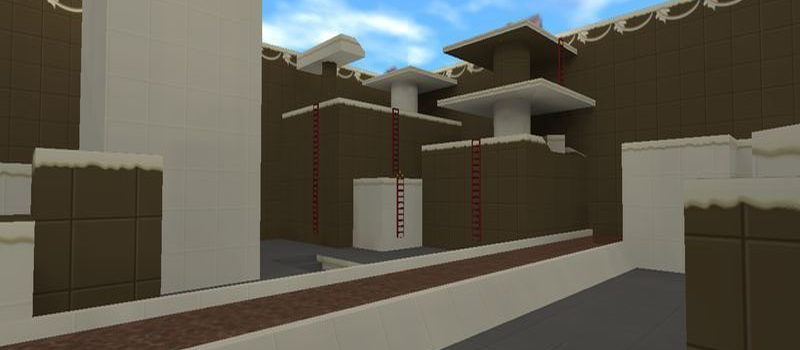
c21_choklad

Other
1
Servers Playing Now
7
Total Servers
15,831
Times Played
Sep 4, 2026
Last Played

Daily Activity

Servers Playing c21_choklad 1

About c21_choklad

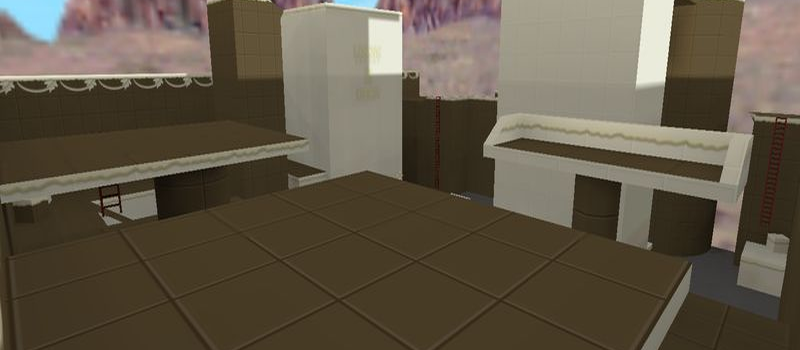
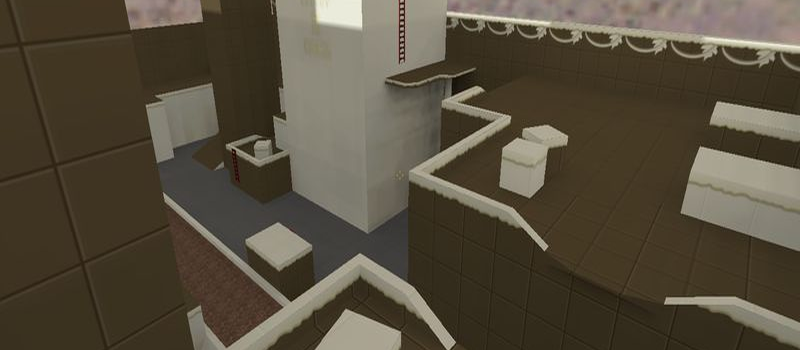
c21_choklad is a Other map for Counter-Strike 1.6. It has been played 15,831 times across 7 servers. Currently 1 server is running this map. Last played on September 4, 2026.

Servers that played c21_choklad recently

9 servers ran c21_choklad in the last 90 days.

Server Rounds played Last seen
CZ csko.cz | Hide & Seek c21 430 Sep 3, 2026
CZ csko.cz | Hide & Seek c21 425 Sep 3, 2026
CZ csko.cz | HnsTraining 167 Sep 3, 2026
CZ csko.cz | HnsTraining 166 Sep 3, 2026
UZ Strike.Uz | HidenSeek 136 Sep 3, 2026
SE - rayish.com 2 - Hide-N-Seek [c21] 54 Sep 3, 2026
LT [HIDE-CS.EU] HNS [100aa|BEST|XP|KNIFE|24/7|EVENTS] 32 Sep 2, 2026
DE -=[-T--]=- Hide N Seek BM | by terrorkom-clan.de 3 Aug 17, 2026
BG [HNS] SHANTAJ # BOOST 1 Jul 20, 2026

How to Install c21_choklad

  1. Download the c21_choklad.bsp map file from GameBanana or another trusted source.
  2. Locate your Counter-Strike 1.6 installation folder. The default path is:
    C:\Program Files\Steam\steamapps\common\Half-Life\cstrike\maps\
  3. Copy the .bsp file into the maps folder. If the download includes .wad or .res files, place them in the cstrike folder.
  4. Restart Counter-Strike 1.6. The map will appear in the map list, or you can connect to any server running it from the server list.