France -= OLT.LaLeagane.Ro 18+=- 3/32
Server bewerben

gg_hills_des

GunGame
0
Servers Playing Now
3
Total Servers
1,984
Times Played
Sep 2, 2026
Last Played

Daily Activity

No servers are currently playing this map.

About gg_hills_des

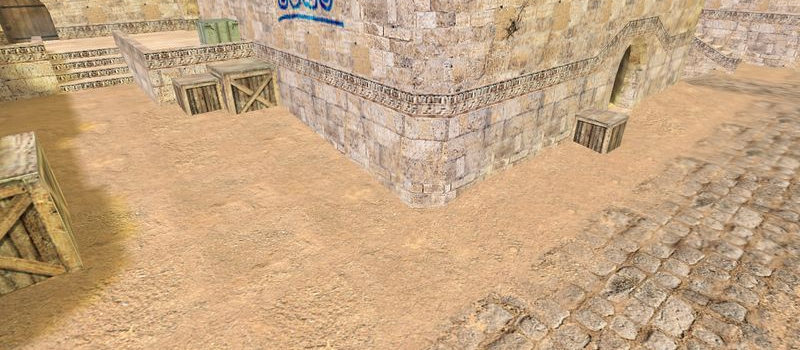
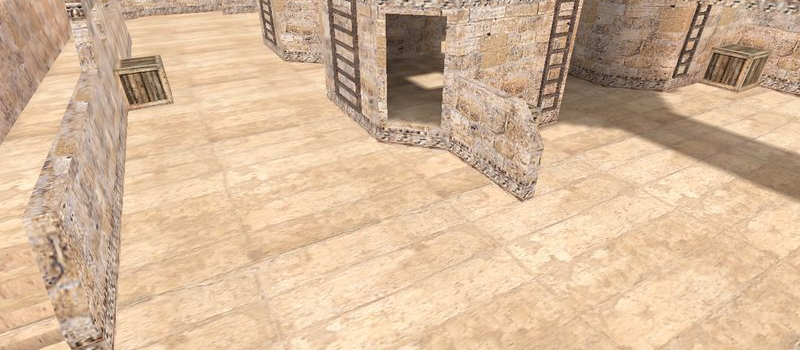
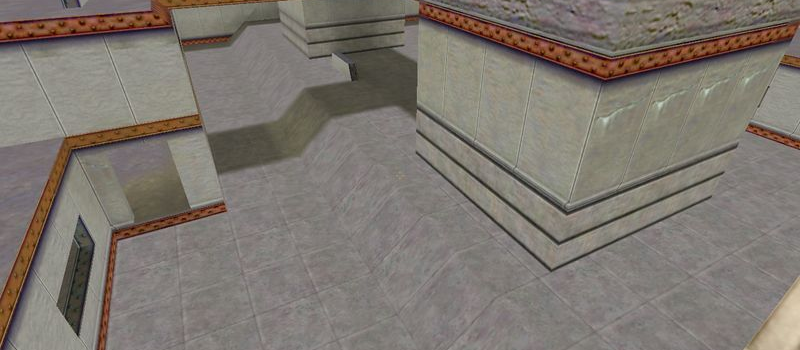
gg_hills_des is a GunGame map for Counter-Strike 1.6. It has been played 1,984 times across 3 servers. Last played on September 2, 2026.

GunGame (gg_) maps are designed for the GunGame modification where players progress through a series of weapons with each kill. The first player to get a kill with every weapon wins. Maps are typically small arenas optimized for constant combat.

Servers that played gg_hills_des recently

7 servers ran gg_hills_des in the last 90 days.

Server Rounds played Last seen
UA GUNGAME KHM-CS 110 Sep 1, 2026
FR Gg.LeagueCs.Ro # GunGame Mod 39 Sep 1, 2026
RU ТОЧКА GG 37 Aug 31, 2026
RU FUN GunGame 2.0 15 Aug 27, 2026
RU FUN GunGame 14 Sep 1, 2026
HU Magyar GunGame Server | cskozosseg.hu @ synhosting.eu 6 Aug 21, 2026
XX Hosted by FREAKHOSTING.COM 6 Jul 17, 2026

How to Install gg_hills_des

  1. Download the gg_hills_des.bsp map file from GameBanana or another trusted source.
  2. Locate your Counter-Strike 1.6 installation folder. The default path is:
    C:\Program Files\Steam\steamapps\common\Half-Life\cstrike\maps\
  3. Copy the .bsp file into the maps folder. If the download includes .wad or .res files, place them in the cstrike folder.
  4. Restart Counter-Strike 1.6. The map will appear in the map list, or you can connect to any server running it from the server list.